


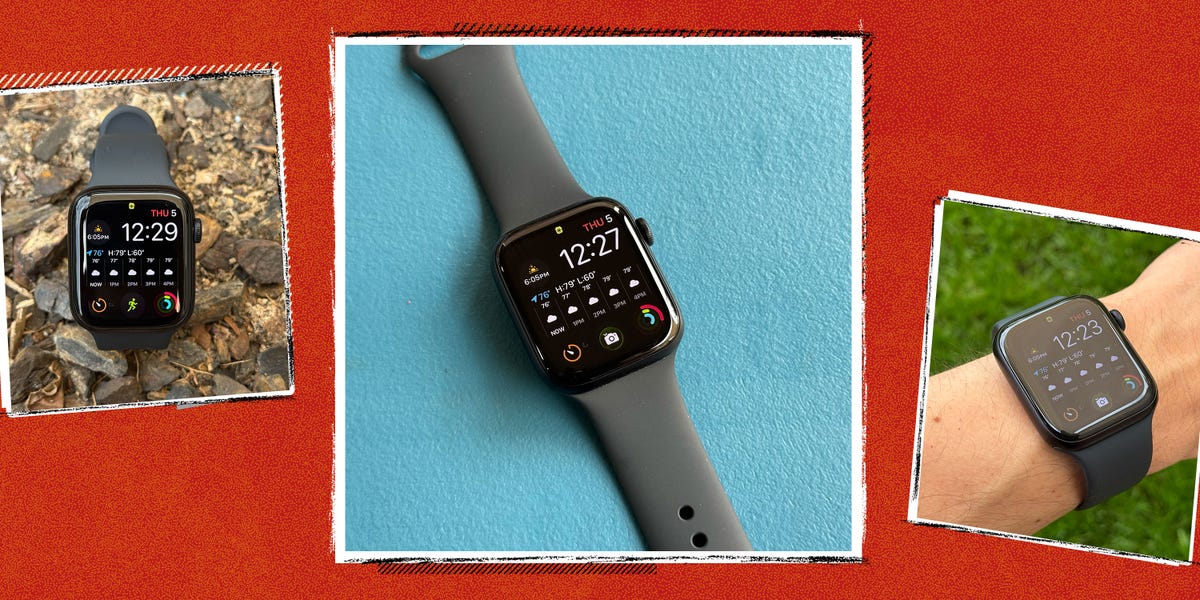
FOR MOST OF ITS life, the entry-level Apple Watch SE has lacked some of the headline features reserved for Apple’s flagship models. It did the basics well enough—including notifications and workouts—but there was always a clear distinction between the fully loaded Series line and the cheaper SE. The Apple Watch SE 3, however, significantly blurs that line, bringing an always-on display, the newer S10 chip, faster charging, on-device Siri, double-tap and wrist-flick gestures, 5G cellular, and more advanced health tracking (including the ability to spot breathing irregularities).
Over the past few weeks, I’ve been using the SE 3 the way most people will: setting it up, wearing it all day, tracking my sleep (or lack thereof), setting timers, and relying on it for runs, workouts, and everything in between. Here’s what it’s like to live with Apple’s latest entry-level watch, and whether there’s any real reason to spend more on a Series 11 or Ultra 3 instead.
What We Like
On the outside, the SE 3 looks like any other Apple Watch. You get the digital crown and side button, a bright color display, and a case that’s slim enough (40mm or 44mm) to disappear under a sleeve. Compared to Apple’s higher-end models, the SE 3’s screen has thicker bezels and doesn’t push quite as far out toward the edges. The overall look isn’t quite as elegant, but it never feels cheap.
The bigger story is that the SE 3 now includes the upgrades that actually change the day-to-day experience. The always-on display makes it easy to quickly glance at information. The S10 chip keeps everything fast. And between 5G and faster charging, it’s easier to leave your phone behind and still stay connected. (Just keep in mind that 5G is only relevant if you buy the cellular model.)
Shop the Apple Watch SE 3
Setup Couldn’t be Easier
Whether you’re upgrading from an older model or getting your first smartwatch, setting up the SE 3 is as easy as it gets. If you’ve ever paired AirPods, the setup will feel familiar: Bring it near your iPhone, tap the card that pops up, and follow the instructions from there.
The pairing and configuration are basically frictionless; it’s just a matter of deciding which features, watch face, and alerts to enable. The whole process takes about 15 minutes (I restored from a backup), and most of that is just downloading apps and syncing data.
Shop the Apple Watch SE 3
A Flagship Experience From Top to Bottom
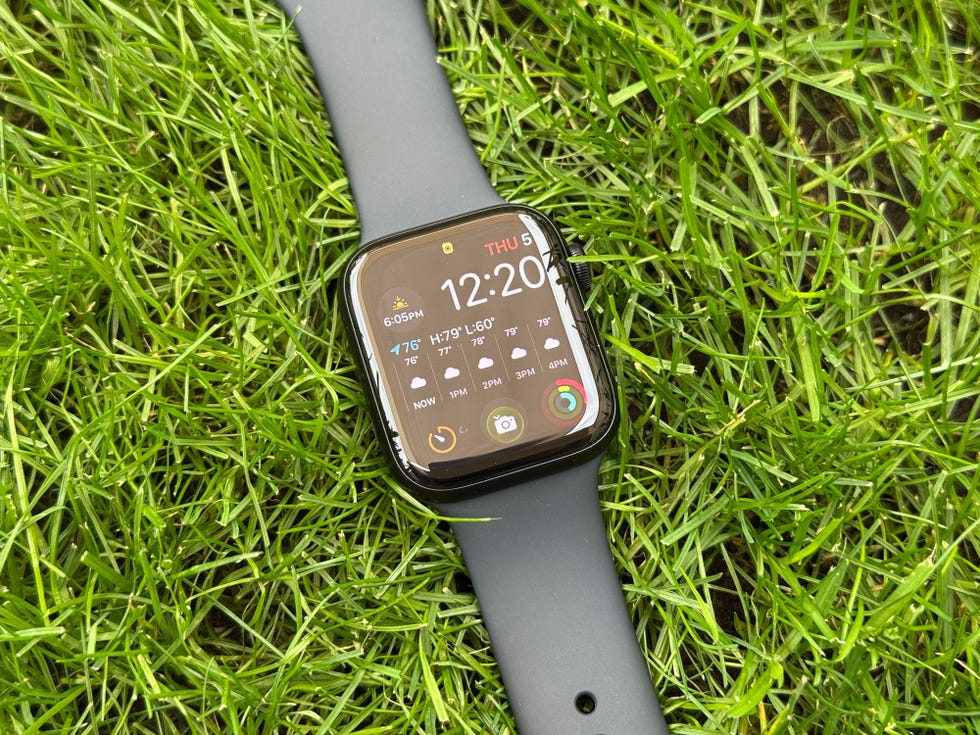
The biggest upgrade is the always-on display. Earlier SE models forced you to raise your wrist or tap the screen to see anything. Now, the display stays on with a dimmed version of your watch face, which sounds minor until you live with it. It’s easier to check the time, glance at complications, and read a notification preview without doing the little “wake” gesture every time.
It’s a genuine improvement for workouts, too. Instead of re-waking the screen mid-run, you can glance down and see your pace, heart rate, and time as you move. After using an always-on display daily, it’s hard to go back.
The SE 3 also adds Apple’s newer double-tap and wrist-flick gestures, which make interacting with the watch easier when your hands are full. A quick wrist flick to dismiss a timer alert is the kind of small convenience that ends up mattering more than you’d expect. Double-tap is similarly useful for simple actions like pausing music without poking at the screen. I try to bake as often as possible, so these gestures are super helpful when my hands are covered in ingredients.
Performance is another area where the SE 3 doesn’t feel like a compromise. Thanks to the S10 chip, everything feels snappy. Workouts start quickly, apps open instantly, and I didn’t run into any noticeable lag switching between screens. Coming from a Series 6, the difference in responsiveness is obvious. On-device Siri is fast, too, making it possible to set timers without any kind of delay.
Shop the Apple Watch SE 3
More Useful Health Tracking—Especially for Sleep
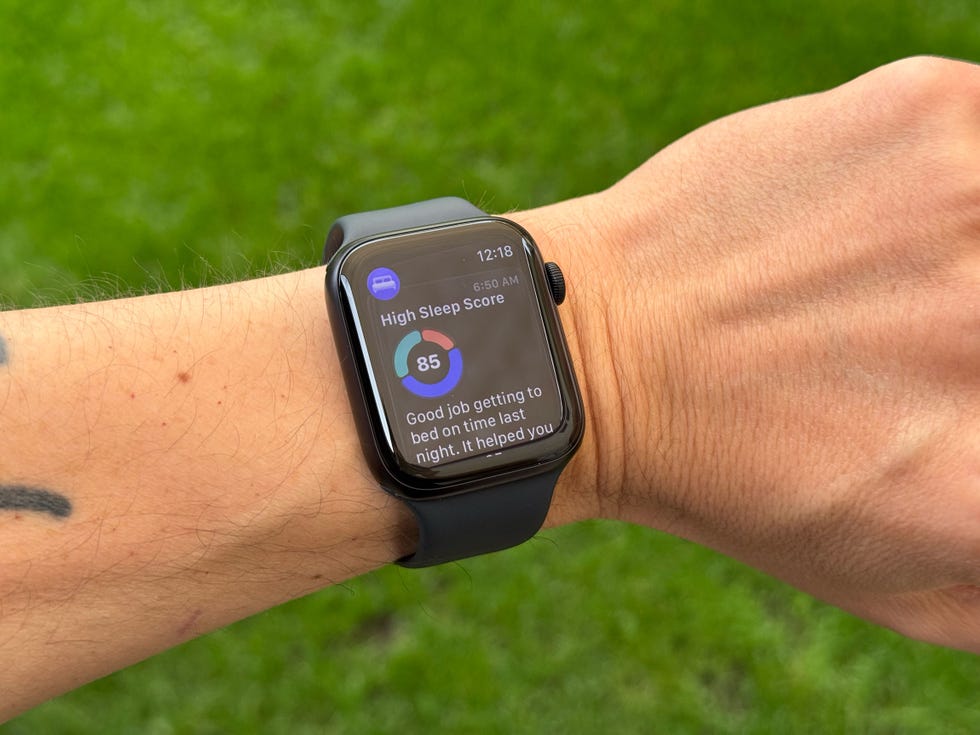
The SE has always been good at the basics—workout tracking, steps, calories, and heart rate—but the SE 3 introduces more health features that work in the background. With watchOS 26’s Sleep Score and the expanded Vitals data, the software does a better job of turning a bunch of charts into a quick snapshot of how you’re actually doing day to day.
Sleep Score is the most immediately useful addition. On a good night, I woke up to a 96 out of 100, with very few interruptions and nearly eight hours of sleep. On the other end of the spectrum, I scored a 67 out of 100 after going to bed late and waking up several times. I felt that 67 score the next morning, and it pushed me to go to bed earlier and spend less time doomscrolling before lying down. Lo and behold, my next score was a 90 out of 100. Sleep Score does a great job of telling you why you got the score you did based on your awake time, interruptions, and consistency, so you can easily make adjustments.
Shop the Apple Watch SE 3
The wrist temperature sensor can quietly feed into Apple’s Vitals app, nudging you when something looks off. If your respiratory rate is out of the typical range, for example, it could indicate that your body might be working harder to maintain your oxygen levels. All of this happens in the background, without any extra work from you. So far, Vitals hasn’t flagged anything abnormal for me, but it’s reassuring to know the watch is quietly keeping track of trends.
The SE 3 also supports features like Workout Buddy and sleep apnea notifications. I set up Workout Buddy, but I haven’t used it enough to judge how motivating it is over time. Sleep apnea notifications are also worth calling out with a big caveat: They’re designed to flag a pattern, not diagnose a condition. Finally, the smartwatch offers important safety features like Fall Detection, Crash Detection, Emergency SOS, and Check In. All of these fitness, health, and safety features combine to close the gap between Apple’s entry-level and flagship models.
Battery Life Goes the Distance
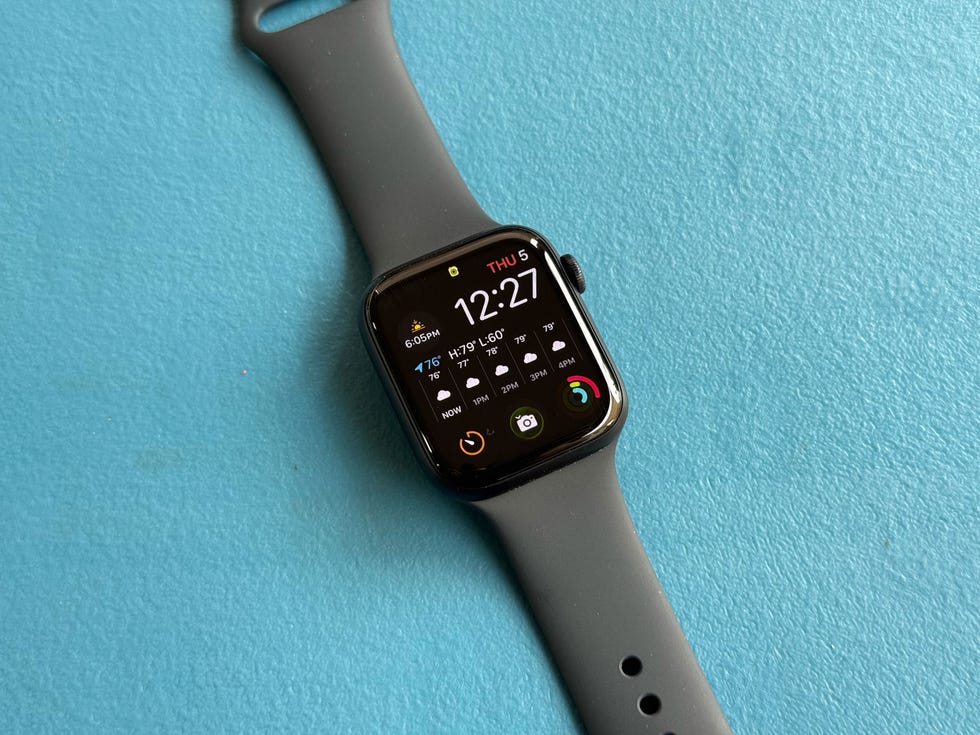
Apple promises up to 18 hours of battery life, matching last year’s Series 10. During my testing, battery life generally met or slightly exceeded that estimate. A typical day for me includes about 30 minutes of workout tracking, multiple timers, the usual notifications (messages, emails, reminders), and a full night of sleep tracking—all with the always-on display enabled. That usually got me from around 7 a.m. to about the same time the next morning.
Fast charging makes the battery easier to live with. When it did get low, a short charge was enough to comfortably get me through the evening and into the next day. A 15-minute charge—the time it takes to shower or heat up leftovers—can get you up to eight hours of real world use. If you’re coming from a Garmin watch, Apple Watch battery life will fall well short. But the ability to top off quickly makes it far less annoying in real life.
Shop the Apple Watch SE 3
Watch Out for
Even with all of those upgrades, the SE 3 falls short in a few areas. The most obvious is the display. You still don’t get the most premium screen experience Apple offers, and that’s one of the clearest reminders that this is the cheaper model. The thicker bezels are noticeable next to Apple’s higher-end watches, and on the smaller size it can feel cramped.
There’s also no ECG app, no bloody oxygen readings, and no access to the newer hypertension notifications. You’re still getting a lot for the price, though, so you’ll have to decide whether you think it’s worth paying roughly $150 more for those extra health tools and the nicer display hardware. If any of those sensors are non-negotiable, this is the simplest reason to move up to a Series model.
Shop the Apple Watch SE 3
Verdict: Is the Apple Watch SE 3 Worth It?
In previous years, the SE line has been about tradeoffs, whether it was the screen, the processor, or health and fitness features in exchange for the lower price. The SE 3 changes that equation. Apple has added a series of upgrades—most notably the always-on display—that actually impact the daily experience. That’s why it’s our best value smartwatch for the iPhone.
That’s not to say the pricier models don’t have their place. The Series 11 starts at $399 and gets you a wide-angle OLED display, hypertension notifications, and an ECG app. Step up to the $799 Ultra 3 and you’re getting a bigger, brighter screen, longer battery life, a more durable titanium case, and adventure-ready extras like satellite SOS.
Most people don’t need all of that, though. At $250, the SE 3 never feels like an Apple Watch you settle for because it’s cheaper. It’s fast, easy to use, and can nudge you into better habits without turning your health into a full-time project.
More of the Best Wearables
Best Fitness Trackers | Best Smartwatches for Men | Best Outdoor Watches | Best Digital Watches | Apple Watch Series 11 and Ultra 3 Review | Apple Watch Series 10 vs. Apple Watch Ultra 2 | Best Apple Watch Ultra 2 Bands | Best Garmin Watches | Best Sleep Trackers | Best Apple Watch

Brandon Russell is a freelance writer covering gear and technology. He started his journey as a news writer at a small newspaper and later began reviewing smartphones, movies, and video games. In his free time, he enjoys the slower, more intentional experience of using a 35mm film camera and making short videos about movies he grew up watching.

Ryan Brower is the Senior Gear and Commerce Editor at Men’s Health, where he tests the best products in outdoor gear and tech. Baseball, surfing, and camping occupied most of his time growing up.
He also trained in martial arts for 12 years and holds a third degree black belt. He has written about the outdoors for nearly two decades and was previously the Managing Editor, Content Performance at Gear Patrol. He is also a Certified Beer Server and previously covered the craft beer industry. Ryan currently lives on the water in New Jersey with his wife and their dog.
Read the full article here